
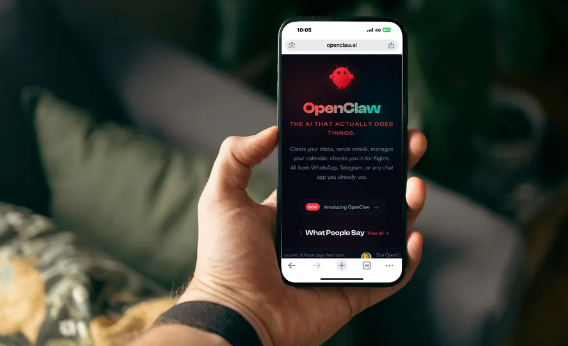
The goal is simple: install OpenClaw, connect a model, open the dashboard, and ship a first outcome. No fluff—just steps that work, with guardrails you’ll want later.
1) Install the CLI
Use the official installer for your OS and verify the version:
openclaw --version
openclaw --help
2) Run Onboarding
Onboarding sets up model/auth, gateway basics, and workspace defaults:
openclaw onboardPick a model strategy that fits your constraints:
Cloud‑First
Fast start with reliable models; manage API keys and costs.
Local‑First
Privacy and predictable costs; ensure runtime and GPU/CPU support.
3) Start the Gateway and Open the Dashboard
Start the background service or run in foreground, then open the local UI:
openclaw gateway start
openclaw gateway status
# Open dashboard on the gateway host:
http://127.0.0.1:18789/
If prompted, paste the gateway token into settings as connect.params.auth.token.
4) Connect a Chat Channel (Optional)
WhatsApp/Telegram/Discord let you control the agent from daily apps:
openclaw channels list
openclaw channels login
openclaw pairing approve <channel> <code>
For WhatsApp/Telegram, prefer Node runtime. Avoid Bun where provider SDKs have known issues.
5) First Reliable Chat
Open the dashboard and run a practical request with clear constraints:
Draft a one‑page morning brief:
- Today’s meetings
- Three deadlines
- Top three industry headlines
Use /compact when threads get long to reclaim context.
6) Turn It Into a Skill
Package the workflow so you can reuse it weekly:
Name the outcome
Define inputs/outputs and acceptable formats.
Constrain tools
Enable only what the skill needs. Expand scope deliberately.
Log and iterate
Review actions, tighten guardrails, and version the skill.
Safety Basics You Should Keep
- Keep approvals on for privileged actions; prefer containerized tool execution.
- Use allowlists/pairing on chat channels; treat unknown DMs as untrusted input.
- Log everything and rotate tokens when suspicious activity appears.
Troubleshooting Quick Wins
Dashboard won’t load
Verify gateway is running, open http://127.0.0.1:18789/ on the gateway host, check auth token.
“No auth configured”
Rerun onboarding and configure model credentials; confirm profiles under ~/.openclaw/agents/<agentId>/agent/auth-profiles.json.
Channels don’t respond
Link devices (QR), verify bot tokens, and use Node runtime for WhatsApp/Telegram providers.
Ship Your First Skill This Week
Pick one workflow, constrain tools, and log outcomes. Reliability beats cleverness.