
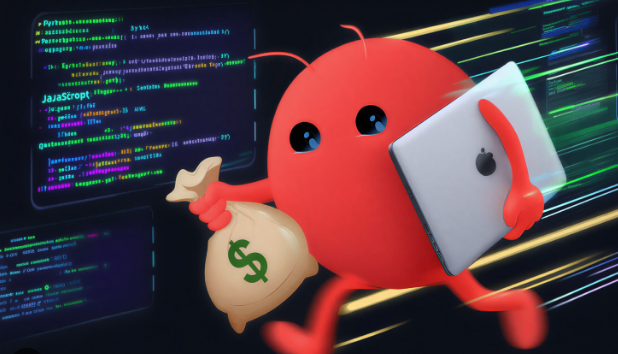
December 2025 felt like a line in the sand: chatbots stayed chatty, but agents started acting. OpenClaw is the cleanest example—less “type a prompt,” more “ship a result.”
What Changed (and Why You Feel It)
For years, assistants lived in browser tabs and waited for input. OpenClaw broke the pattern by running on your machines and touching your real tools. You give it model access, messaging channels, and boundaries—then it moves work forward while you do something else.
Three Capabilities That Matter
Computer Access
OpenClaw operates on a dedicated host (laptop, Mac mini, Pi, or VPS). It can write code, edit configs, and execute scripts—like a person at a keyboard, only consistent and tireless.
Persistent Memory
It learns preferences over time (names, timezones, patterns) and builds context that turns one‑off chats into repeatable workflows tailored to you.
Heartbeat
It can wake proactively, monitor inboxes or tasks, and alert you—moving from reactive replies to ongoing stewardship of your operations.
Where It’s Actually Useful
- Email + Calendar: identify scheduling messages, update events, send confirmations, reduce notification chaos.
- Daily briefings: one page each morning with agenda, deadlines, and relevant news delivered via your chat app.
- Storage hygiene: compare local vs cloud, reconcile discrepancies, and resume transfers intelligently after interruptions.
Multi‑channel control matters: WhatsApp/Telegram/Discord mean you don’t need a new UI—your agent meets you where you already are.
The Security Reality (Clear‑Eyed)
Power introduces risk. An agent with file and network access can hurt you if misconfigured or tricked. Treat it like production software: verify inputs, restrict tools, and keep audit trails.
Practical rule: don’t run OpenClaw on a personal machine with unconstrained access. Prefer dedicated hosts, least‑privilege policies, and explicit pairing/allowlists on chat channels.
How to Start Without Getting Burned
1) Pick one weekly workflow
Choose a task that repeats (brief, inbox triage, publish checklist). Define inputs/outputs. Keep scope tight.
2) Limit the tools
Enable only the capabilities required. Add access incrementally as the workflow proves safe and useful.
3) Log everything
Keep action logs and review them like you would CI jobs. Visibility is how you build trust.
4) Document outcomes
Write down the result you expect, not prompts. Treat skills like products—named, versioned, sharable.
The Bigger Picture
OpenClaw isn’t magic; it’s a better operating model for work. Agents that “actually do things” are most valuable when they’re boringly reliable: same inputs, same outputs, week after week. That’s where autonomy compounds—and where you feel the step‑change.
Build One Useful Skill This Week
Start small, constrain tools, measure outcomes. Agents reward consistency more than cleverness.